Knowledge Base
How To Change DirectAdmin Password
In DirectAdmin control panel, you can change your current password at anytime. In this article, we will walk you through on How to change the account password in your DirectAdmin.
1. First, to login into DirectAdmin control panel visit,
https://your-domain.com:2222 or or https://usijalihosting.com:2222.
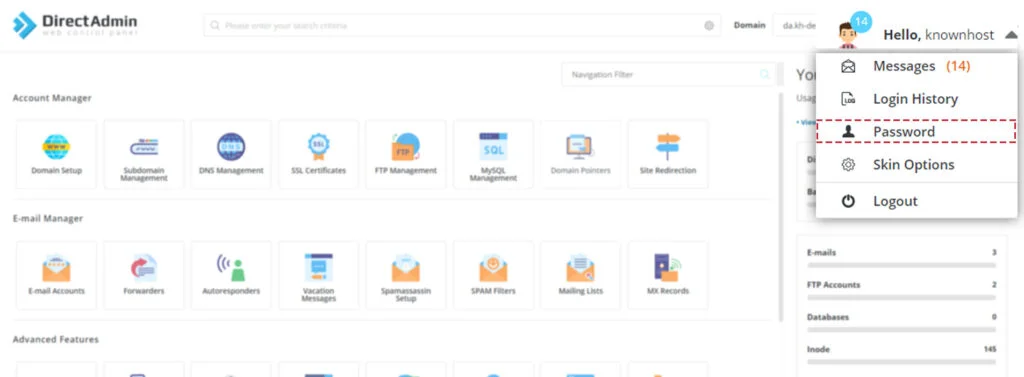
2. Top right-click → Click on Username → Click on Password.
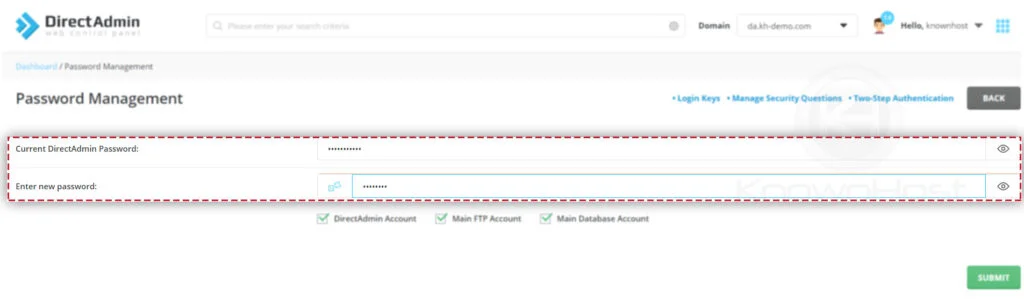
3. Enter the required information,
Current DirectAdmin Password: Enter the current password of DirectAdmin control panel.
Enter new password: Enter the complex and hard to guess password.
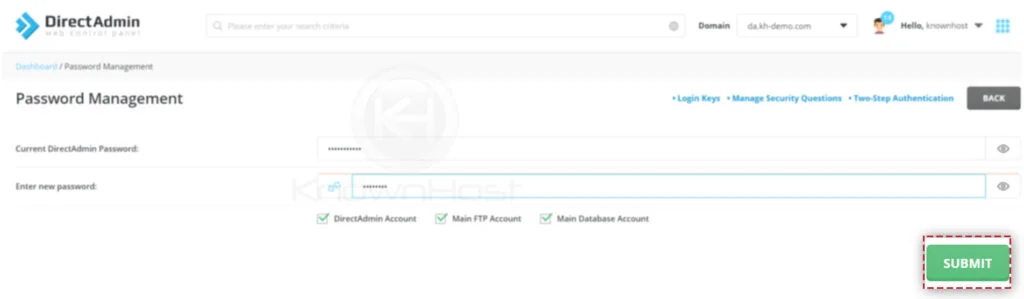
4. Finally, click on SUBMIT.
5. Congratulations! You have successfully your DirectAdmin Password.